
Creative Strategy
Fixing the "Ugly" Dynamic Catalog Ad (2026)
Adding custom frames and backgrounds to DPA feeds so your catalog ads stop looking random and start looking like a brand.


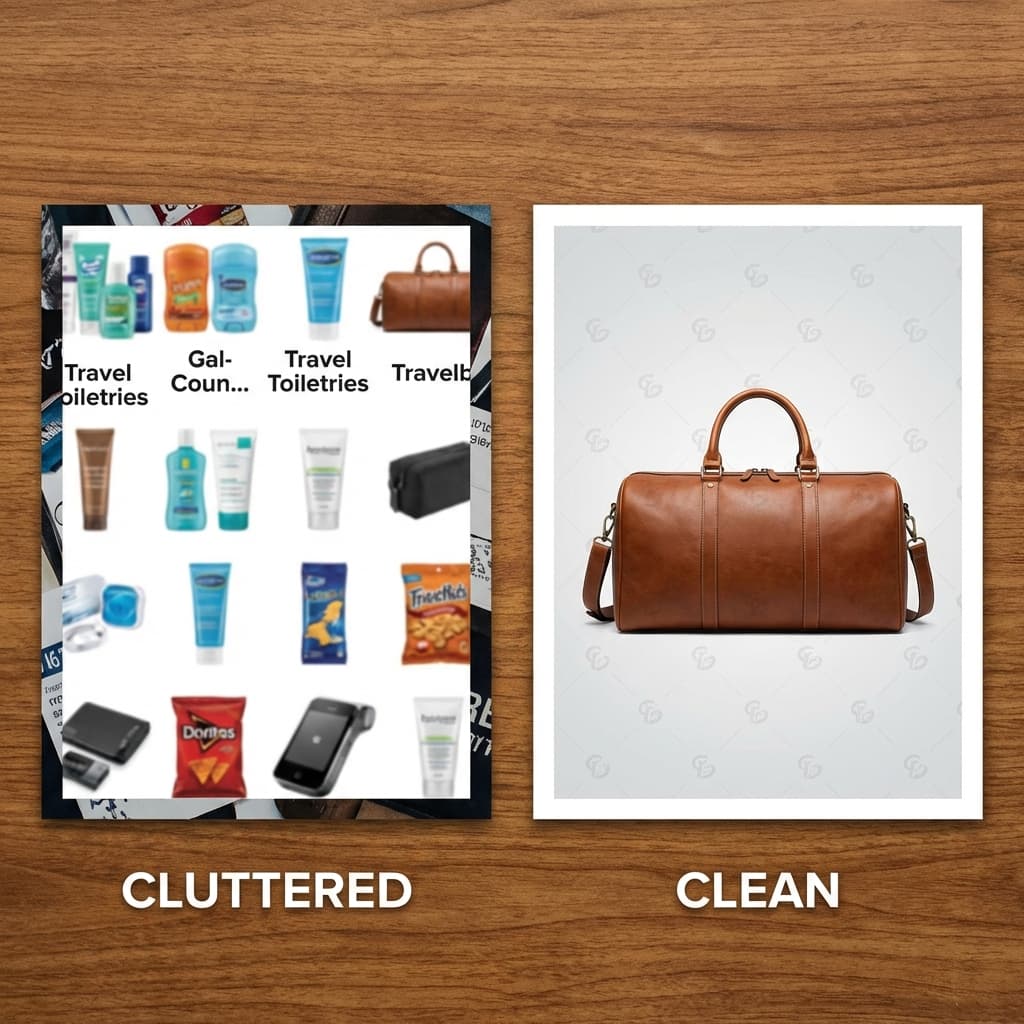
Most teams launch dynamic product ads quickly, then wonder why the creative looks low trust. The common pattern is this: product photos were shot at different times, with different crops, different whites, different shadow directions, and different text treatment. The feed is technically valid, but the ad looks like a bargain bin.
This guide fixes that. You will build a repeatable frame and background system for catalog cards, then ship it through your Shopify and Meta setup without breaking your feed logic.
If you need a baseline setup reference first, start with Shopify: Facebook dynamic ads, then come back to this implementation playbook.
Why Dynamic Catalog Ads Look Cheap
Ugly catalog ads usually come from variance, not from quality. One SKU has a bright studio look, the next has a gray warehouse shot, the next has a cropped label. In a carousel, this inconsistency is amplified.
Baymard found that 56% of users first action on product pages is to inspect images, and 25% of sites still use insufficient image resolution. Weak image systems reduce trust before copy can recover the click. Sources: Baymard product page UX, Baymard image resolution study.
Dynamic ads scale inventory. If you do not constrain card layout with a visual template, your ad design quality is determined by whatever photo happened to sync first.
You can see this same consistency problem in broader catalog strategy work. If you have not audited your full stack yet, read The Nike Aesthetic: Catalog Consistency and why stores lose trust with mismatched product imagery.
Platform Rules You Must Design Around
Design without platform constraints is wasted effort. Build around how the delivery system actually renders catalog creative:
- Advantage+ catalog ads are now part of Meta ad automation.Meta documents that dynamic ads have been renamed to Advantage+ catalogue ads and are available under ad automation workflows. Source: Meta ad automation.
- Carousel cards must stay legible at small sizes.Meta's carousel format supports up to 10 images or videos, each with its own headline, description, link, and CTA. Frame elements must survive card downsizing. Source: Meta carousel ad format.
- Collection previews are limited above the fold.Meta collection uses one primary image or video plus three smaller product images before opening Instant Experience. Source: Meta Collection format.
- Shopify feed sync defines what Meta can render.Shopify states that your products are automatically synced from Shopify to your Facebook product catalog, which means image consistency should be fixed before launch. Source: Shopify dynamic ads guide.
Build a Reusable Frame System
A frame system is a lightweight visual shell around the product image. The goal is not decoration. The goal is controlled consistency that survives dynamic delivery.
Start with three frame variants and map them by objective:
- Core frame: Thin neutral border and soft shadow. Use for evergreen catalog traffic.
- Promo frame: Adds one accent band for sale periods. Keep text outside the image when possible.
- Premium frame: Cleaner border ratio and low noise background for higher AOV SKUs.

Technical rule: keep the product centered and avoid critical details near the edges. Cropping behavior changes by placement. If your logo or cap sits on the border edge, you will eventually ship broken cards.
Build a Background Library by Product Type
Instead of one background for everything, create a small controlled library by category. You need enough variation to avoid ad fatigue, but not so much variety that the catalog loses identity.
Beauty and Personal Care
Soft gradients, diffuse highlights, clean reflection floor, no hard texture noise.
Supplements and Wellness
Clinical surfaces, restrained palette, high clarity, trust-first composition.
Home and Decor
Contextual room hints with shallow depth, but keep product as dominant subject.
Fashion and Accessories
Directional light with controlled contrast and minimal props to preserve detail.

If you are testing faster creative variation, pair this with a controlled test cadence from the creative testing framework so each visual change has a measurable purpose.
Feed Workflow: Shopify to Meta Without Chaos
This is the production sequence that keeps quality stable while preserving catalog automation:
- Finalize image rules before rendering: lock aspect ratio, safe margins, and frame variants.
- Generate framed SKU images in batch: one hero and one alternate per SKU.
- Update product media in Shopify: ensure the catalog image that syncs to Meta is the intended ad image for each SKU.
- Validate catalog requirements: ensure product status is active, image links are valid, and required taxonomy fields are present.
- Run QA by placement preview: inspect Facebook Feed, Instagram Feed, and Stories placements before scaling spend.
Important setup details to avoid false negatives
- Shopify dynamic retargeting uses pixel data and can retarget people active in the last 30 days, including users who viewed or added products to cart.
- Shopify supports both dynamic retargeting and broad audience dynamic ads. Keep your frame and background system consistent so both campaign types look intentional.
Sources: Shopify Facebook and Instagram setup, Shopify dynamic ads guide.
Video Walkthrough
Use this embed slot to add your preferred tutorial or process demo for frame and background implementation:
How to Measure if the Redesign Works
Better visuals are only useful if performance improves. Run the redesign as a controlled test, not a full replacement on day one.
Practical measurement window
- Hold budget and audience steady for the first phase.
- Wait at least 4 to 5 days before optimization changes.
- Track CTR and CPC first, then conversion metrics after signal stabilizes.
- Compare results against your own 14-day pre-change baseline for CTR, CPC, and purchase ROAS instead of relying on one universal benchmark.
Source: Meta learning phase guidance.
How Rendery3D Speeds Up Production
The manual version of this process is slow: open design file, place product, adjust mask, export per SKU, repeat until the team gives up. A better workflow is system-first generation.
Use AI product photography to keep product realism, then run background variants from the AI background generator, and keep your frame rules constant across the whole catalog. The output is cleaner ads and faster creative velocity.
Production target for a lean team
- 20 to 50 SKUs refreshed per day with one unified frame library.
- 2 to 4 background variants per product family.
- Weekly creative rotation without touching campaign structure.
Launch Checklist
Use this before publishing a redesigned catalog batch:
- All SKUs use approved frame templates and safe margins.
- Background style maps are consistent by product category.
- Shopify catalog sync has no image link or product status errors.
- Placement previews are checked before spend scale.
- Test plan and holdout period are documented in advance.
If you want to ship this with less manual production overhead, start in Rendery3D and build the first frame plus background system on your top 20 SKUs.