
Amazon Mobile Listing Optimization
The 70% Rule: Optimizing Visuals for the Mobile Thumb
Desktop browsing is for research; mobile is for buying. If your product looks thin or visually distant in a mobile search grid, you are likely losing a large share of high-intent shoppers before they tap.


Most ecommerce teams still judge listing quality on desktop, then wonder why mobile CTR underperforms. That gap is expensive.
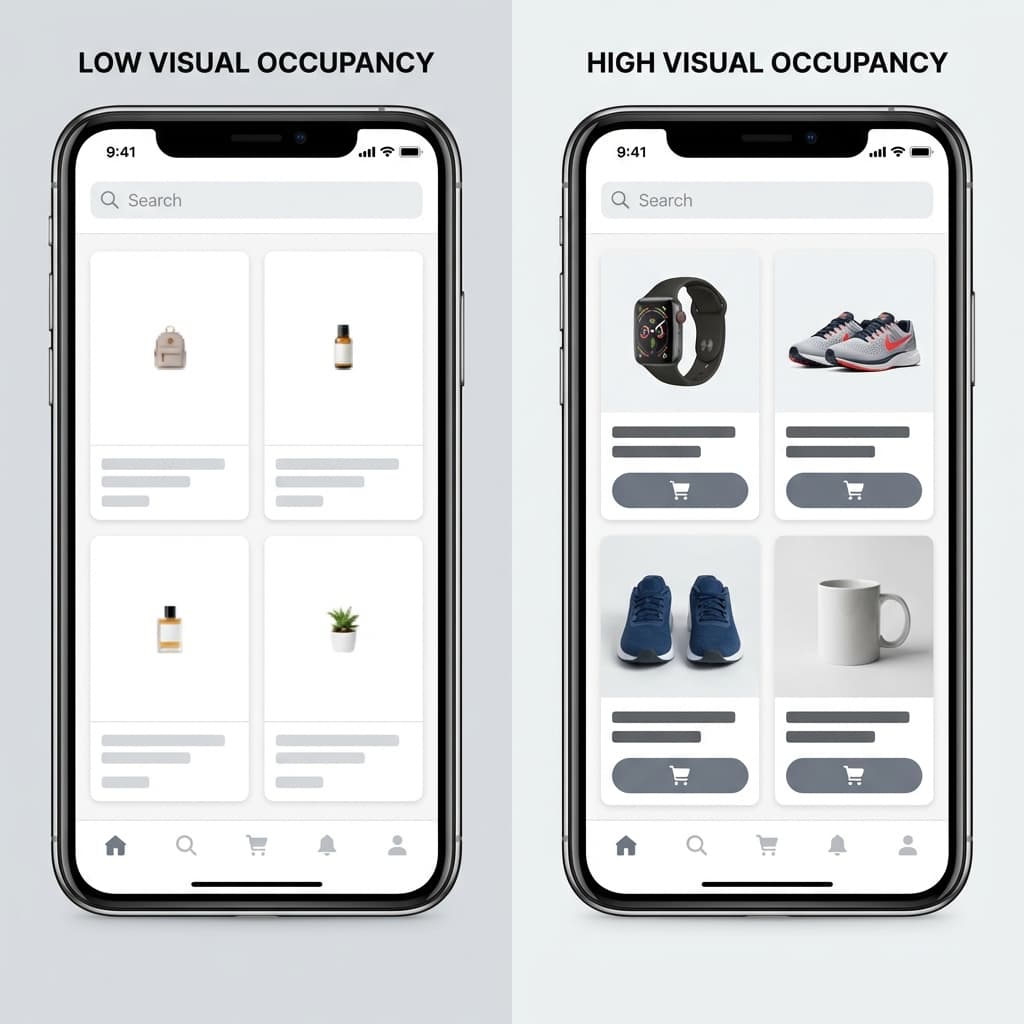
Mobile shoppers decide quickly and comparatively. They do not parse your full listing before deciding whether to tap. They compare visual dominance, clarity, and recognizability in a tight grid where each card gets a fraction of a second.
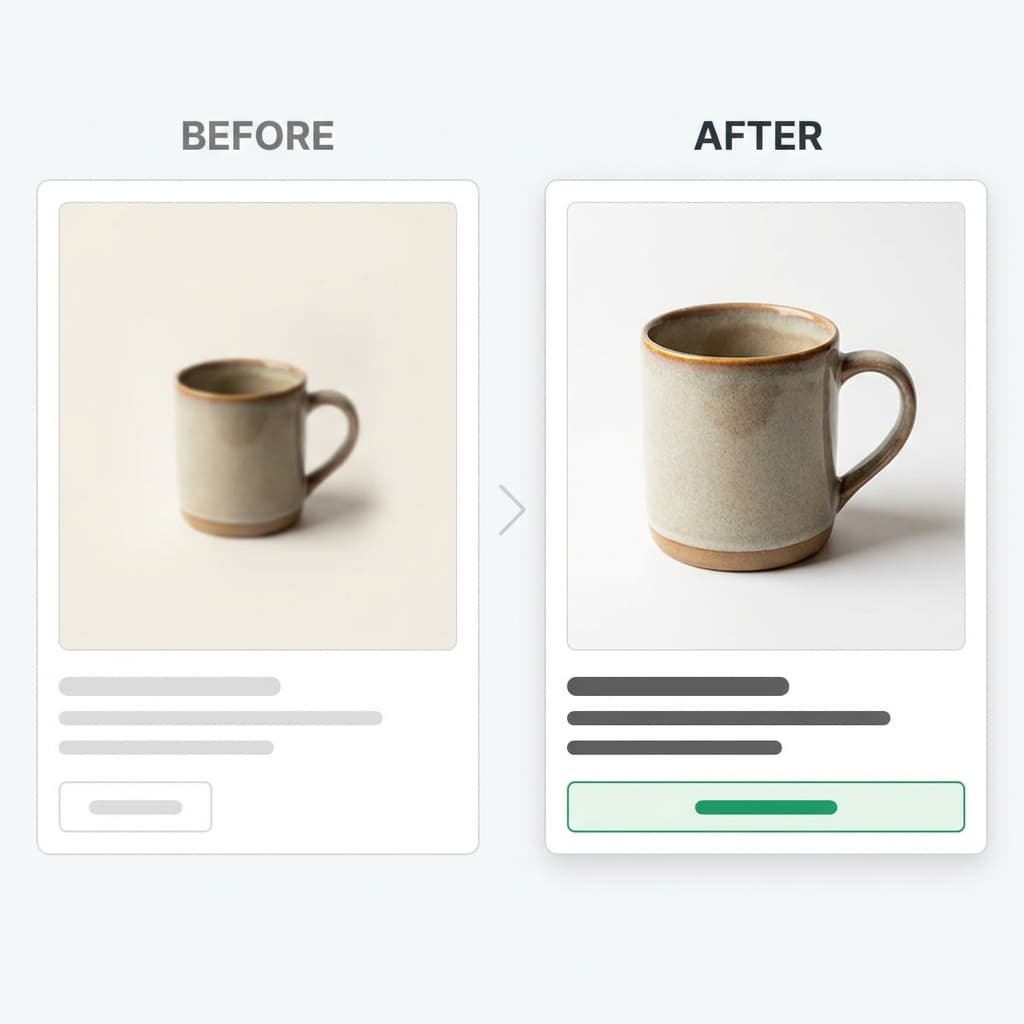
The 70% rule is a practical planning target: your product should occupy roughly 70% or more of the visible thumbnail safe zone. It is not an Amazon policy. It is a conversion heuristic that prevents the most common mobile failure mode: a product that looks small and uncertain next to competitors.
51.29%
Global web traffic share from mobile in January 2026 (StatCounter)
~60 chars
Title visibility window in many Amazon ad placements
4+ images
Amazon suggests at least four detail-page images and three bullets
Watch: Amazon FBA mobile listing optimization (2026 search result)
This embed was selected from the requested search query and complements the implementation checklist below.
1. Why the 70% rule matters now
Mobile is now a primary shopping surface, not a secondary channel. StatCounter shows mobile web usage exceeding desktop globally in early 2026. Statista tracks long-run mobile commerce growth trends, and Amazon itself continues to prioritize mobile-ready listings and ad experiences.
In practical terms: if your product reads clearly on desktop but weakly on phone, performance data will reflect mobile weakness first. Most teams misdiagnose this as pricing or keyword issues, when the initial blocker is visual legibility.
The 70% rule is useful because it turns subjective feedback into a measurable review step. You can test it quickly against competitors and decide whether your hero image is truly competitive in real screen conditions.
2. What mobile shoppers process first
Mobile shoppers typically evaluate image silhouette first, then price and rating signals, then whatever title fragment survives truncation. If your product is physically recognizable only after zooming, it will lose taps.
Mobile scan order
- Product silhouette and frame occupancy
- Contrast against background
- Price and social proof cues
- Title words visible in the first line
- Secondary image confidence after tap
Amazon Ads guidance on product detail page quality and title readability reinforces this behavior: strong imagery, complete image sets, and clear title structure consistently improve discoverability and conversion readiness.
3. Manual optimization framework
Use this six-step process when reviewing listings manually before creative refreshes or ad spend increases.
Step-by-step checklist
- Capture real mobile screenshots for your main keyword results.
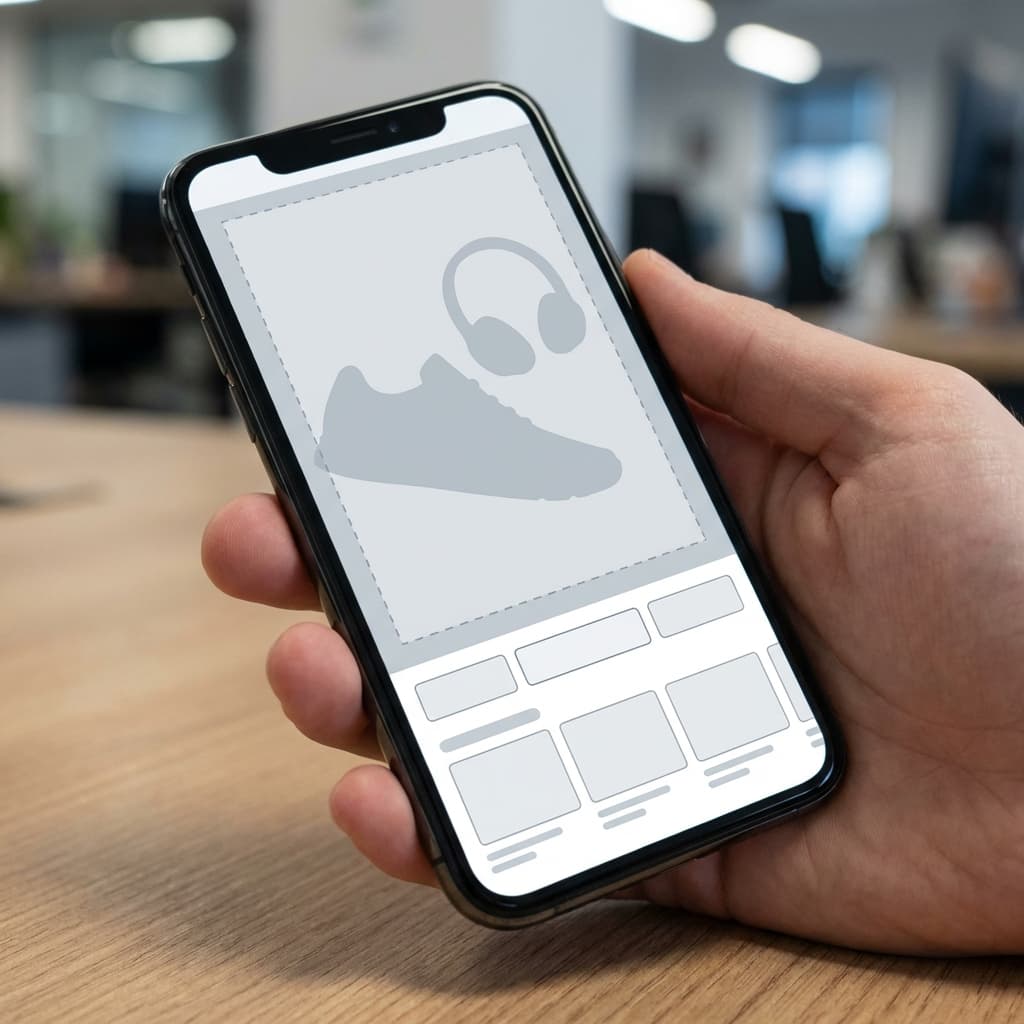
- Draw a safe-zone box around each thumbnail and estimate product occupancy.
- If occupancy is below roughly 70%, reframe or regenerate the hero image.
- Front-load clear product words in the first 60 to 80 title characters.
- Ensure image two and three add proof, not repeated hero angles.
- Compare against three nearest competitors and rerun after updates.
If you need a compliance-first foundation before conversion tuning, start with our Amazon main image rules guide.
4. Interactive mobile thumb score
Use this calculator to estimate how ready your listing is for thumb-first browsing behavior.
Mobile Thumb Score Calculator
Run a quick self-audit. This is not an Amazon compliance tool. It is a conversion-focused planning score based on documented listing best practices.
Thumb Score
57/100
High risk on mobile
Your product will look thin or unreadable in thumb-first browsing.
Practical targets: keep main image fill near 80%, keep key value words visible in the first 60 to 80 characters, and publish at least four images plus three bullets.
5. Common mistakes that make products look small
Too much white margin
Excess margin shrinks perceived product scale and weakens first-glance confidence.
Weak title front-load
If unique product qualifiers appear too late, truncation hides your differentiation.
Repetitive early image stack
Repeating near-identical angles wastes the highest-attention image slots.
Style inconsistency across SKUs
Mixed lighting and framing reduce trust and make catalog navigation feel fragmented.
For deeper sequencing work, pair this framework with our 7-image stack guide and Amazon CRO playbook.
6. How Rendery3D makes this repeatable
Manual fixes work for one SKU. Scaling across a full catalog requires consistency, speed, and systematic QA.
Composition templates for scale
Standardize angle, occupancy targets, and contrast behavior across multiple products.
Fast creative iteration loops
Compare variants quickly, then ship the highest-clarity option to listings and ads.
Catalog-level consistency
Keep brand presentation stable so your storefront looks deliberate at every touchpoint.
To test this approach directly, create a workspace in Rendery3D and compare your current thumbnails against a 70%-rule variant.
7. Checklist and source links
Execution checklist
- Audit top keywords using real mobile screenshots, not desktop previews.
- Raise main-image occupancy to a competitive safe-zone level.
- Front-load title words that survive truncation in high-volume placements.
- Use image slots two and three for proof and differentiation.
- Re-measure CTR and iterate from controlled visual changes.
Sources
The operating principle is simple: if mobile shoppers cannot identify and trust your product at a glance, they will not open your detail page. Apply the 70% rule as a QA standard, then systematize execution across your catalog.